
Best Laptops & Computers to Buy in 2026: Complete Guide
While “cheap” means something different to everyone, the best budget laptops generally fall under $750. This is where Windows truly shines, offering great specs for less money. Thanks to the latest processors from Qualcomm and Intel, these laptops now offer battery life that rivals Apple. The best affordable laptop I’ve checked out is the HP OmniBook 5. The model I tested has a Snapdragon X processor, 16 GB of RAM, 512 GB of storage, and a 14-inch OLED screen. Discounts fluctuate frequently, but right now you can buy the 256-GB model directly from HP for $630. That’s a killer deal.
Powerful Laptops for Those Who Need It
While the laptops above are great for the average person, content creators and gamers need extra performance. For the former, the 16-inch M5 Max MacBook Pro is the ultimate choice. It combines immense power with surprising portability and fantastic battery life—a rare feat. The M5 generation is the most impressive yet, with a greatly expanded GPU and significantly boosted on-device AI processing thanks to a more efficient Neural Engine and faster memory bandwidth. While it is one of the most powerful AI laptops available, the MacBook Pro isn’t for everyone; it is built specifically for professional creatives and engineers running heavy, demanding applications. It’s become more expensive in 2026, but there’s still nothing quite like it on the market.
Windows or macOS: Which One Should You Choose?
Ultimately, it depends on your habits and ecosystem, not which one is “better.” Windows machines give you more variety in price and specs, plus wider software and gaming support: useful if you’re still figuring out how to choose a laptop that fits a tight budget. macOS, on the other hand, is smoother for video editing, design work, and anyone already using an iPhone.
If you switch between an and an often, macOS feels more connected. Otherwise, Windows remains the safer, more flexible pick for most everyday users.
Mistakes to Avoid Before Buying a Laptop
A solid laptop buying guide should also tell you what not to do. Don’t buy based on RAM or storage numbers alone: how they’re used matters more than the figure.
Avoid skipping the keyboard and trackpad feel, since you’ll use them daily. Many buyers also ignore after-sales support and warranty terms until it’s too late. And don’t get pulled in by discounts on outdated processors; a slightly higher budget for a newer chip usually pays off over the long term.
Other Good Laptops I’ve Tested
If you choose one of the laptops above, you will be very happy with your purchase. However, if you are looking for a specific feature or a different price point, I have included a few other options below. While each of these recently tested laptops has at least one minor drawback, they could still be the perfect choice depending on your needs and currently available discounts.
Dell 14S for $1,270: This is the 2026 successor to the Dell 14 Plus, which I recommended above. This is a solid laptop, sporting a premium design and an OLED display. It performs well too, thanks to the latest Intel Cores Ultra Series 3 chip. The Dell 14 Plus is a better deal right now, though.
Asus Zenbook A16 for $2,200: This second edition of the Zenbook A16 is still incredibly light, and now it comes with the second-generation Snapdragon X2 chips. It’s unique for its portability, and the Qualcomm chips deliver great battery life and performance. However, given the dramatic price increase, I’d suggest buying the 2025 model instead, which is under $1,000.
Alienware 16X Aurora for $1,480: Another great gaming laptop, this one with the typical Alienware flair. It has a higher-resolution display, but if price is your concern, the Lenovo LOQ 15 is still the way to go.
MacBook Pro M5: It’s not a significant step up from the MacBook Air in performance, and it’s quite a bit thicker. The Mini-LED screen and extra ports are what you’re paying for. And unfortunately, it received the most substantial price increase, bumping it up by $300 to $1,999. It’s not a bad laptop, but you’re better off with the MacBook Air or one of the more powerful M5 Pro/Max configurations.
The best laptops for most people
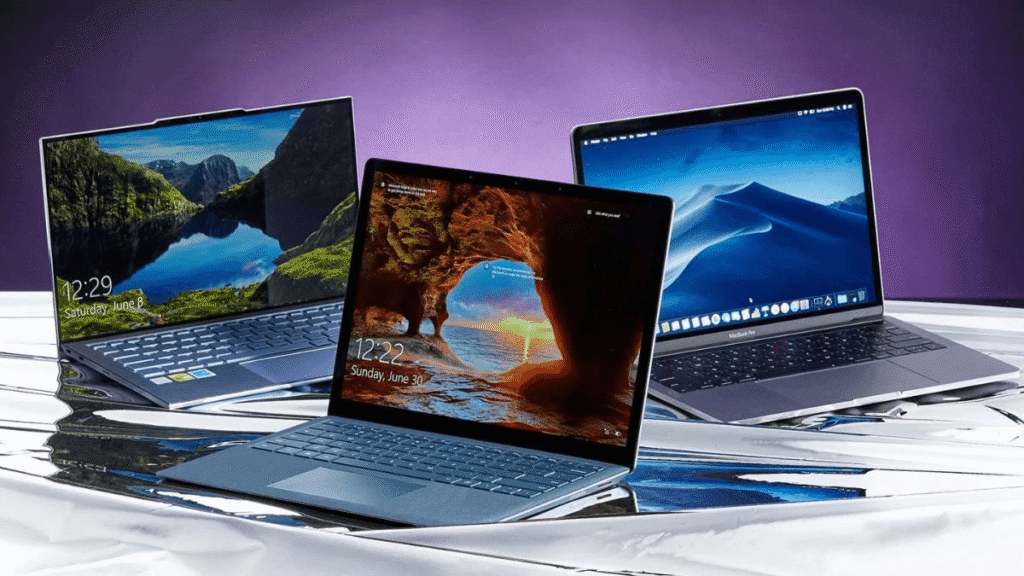
The best overall laptop must be powerful enough for everyday tasks, while remaining thin, light, and portable. Our top picks meet this criteria, plus they have long battery life to last you through a full day of work or classes. They also have vibrant displays and reliable keyboards and trackpads.
A note about laptop prices
A recent boom in AI data center construction has caused a global shortage of RAM and SSD storage chips (often referred to as ). As a result, many consumer tech devices that use these components, including the best laptops, have seen this year. The shortage is expected to and, driving up prices even further and making good values in the and mid-range tiers even scarcer. Most recently, Apple by $100 to $300, depending on the model.
Display & Form Factor: What Fits Your Use Case
Your display changes how you feel every time you open your laptop. A 15.6-inch screen is comfortable for work, while a 14-inch model offers better portability.
And don’t ignore the build style. 2-in-1 convertibles are great if you sketch or read a lot. Traditional clamshells are more durable.
Connectivity, Ports, and Other Features
Wi-Fi 6/7, Bluetooth 5, USB-C, HDMI, and a headphone jack still matter more than people admit.
Nobody wants to carry four adapters just to connect a monitor or transfer photos. Good ports keep life simple.
So if you’re thinking what to look for when buying a laptop, start by checking the sides of the machine, not only the screen.
Match Laptop to Your Use Case: Student, Work, Creativity or Gaming
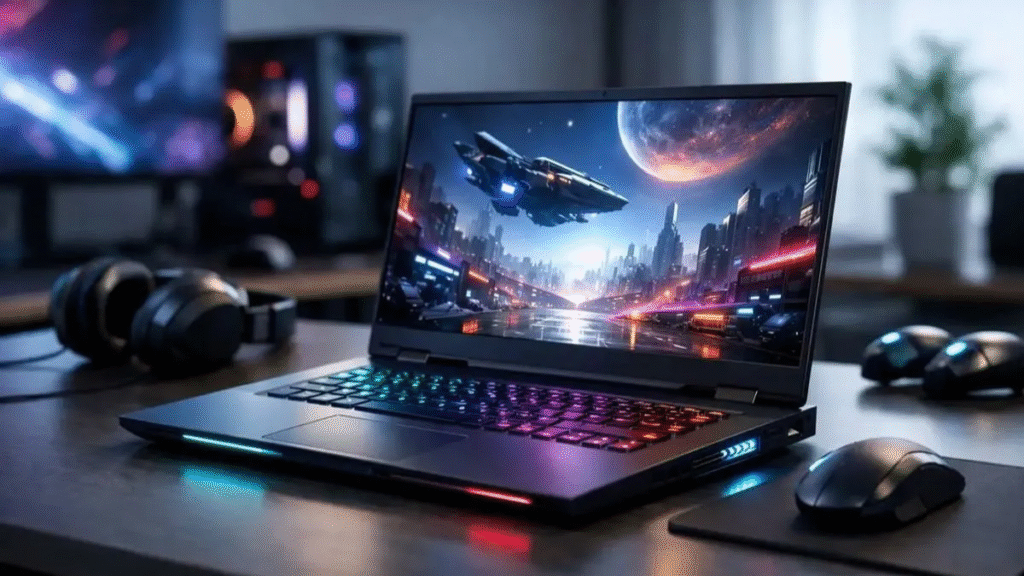
This is where many people get stuck. A single laptop can’t be perfect for everyone.
– Students: Lightweight models with long battery life
– Office users: Reliable performance with good keyboards
– Creators: Colour-accurate displays and powerful GPUs
– Gamers: High refresh rate screens and strong graphics
Matching your category is one of the smartest things to know before buying a laptop.
Battery Life, Portability & Build Quality
If you’re often moving between rooms, cafes, or classes, prioritise at least 8 hours of real-world battery backup.
Slim laptops look great, but make sure they don’t compromise on strength.
Ask yourself: Do you carry your laptop all day or leave it mostly on a desk? Your lifestyle decides the best pick.
The Laptops I Recommend Most
When friends or family ask what laptop to buy, I always start with the MacBook Air. It is far more powerful than its compact size suggests. It’s a shame about the recent $200 price increase from $1,099 to $1,299, but even at that new price, it remains my top pick because it nails the big picture. Everything from the trackpad to the speakers are of the highest quality, and it delivers all the performance and battery life the average person needs.
With the latest M5 chip, its GPU matches the M3 Pro MacBook Pro, easily handling everything from gaming to video editing. That’s not at all what the MacBook Air is designed for, but the performance is there when you want to dabble. It’s what makes it feel like a do-it-all machine, all contained in a fanless chassis that’s still one of the thinnest laptops you can buy. Oh, and did I mention it’ll last well over a full work day away from the wall socket and perform just as well on battery as when plugged in? In almost every aspect, it’s the gold standard.